
In the field New
Talk through the visit. Check it. Sign it.
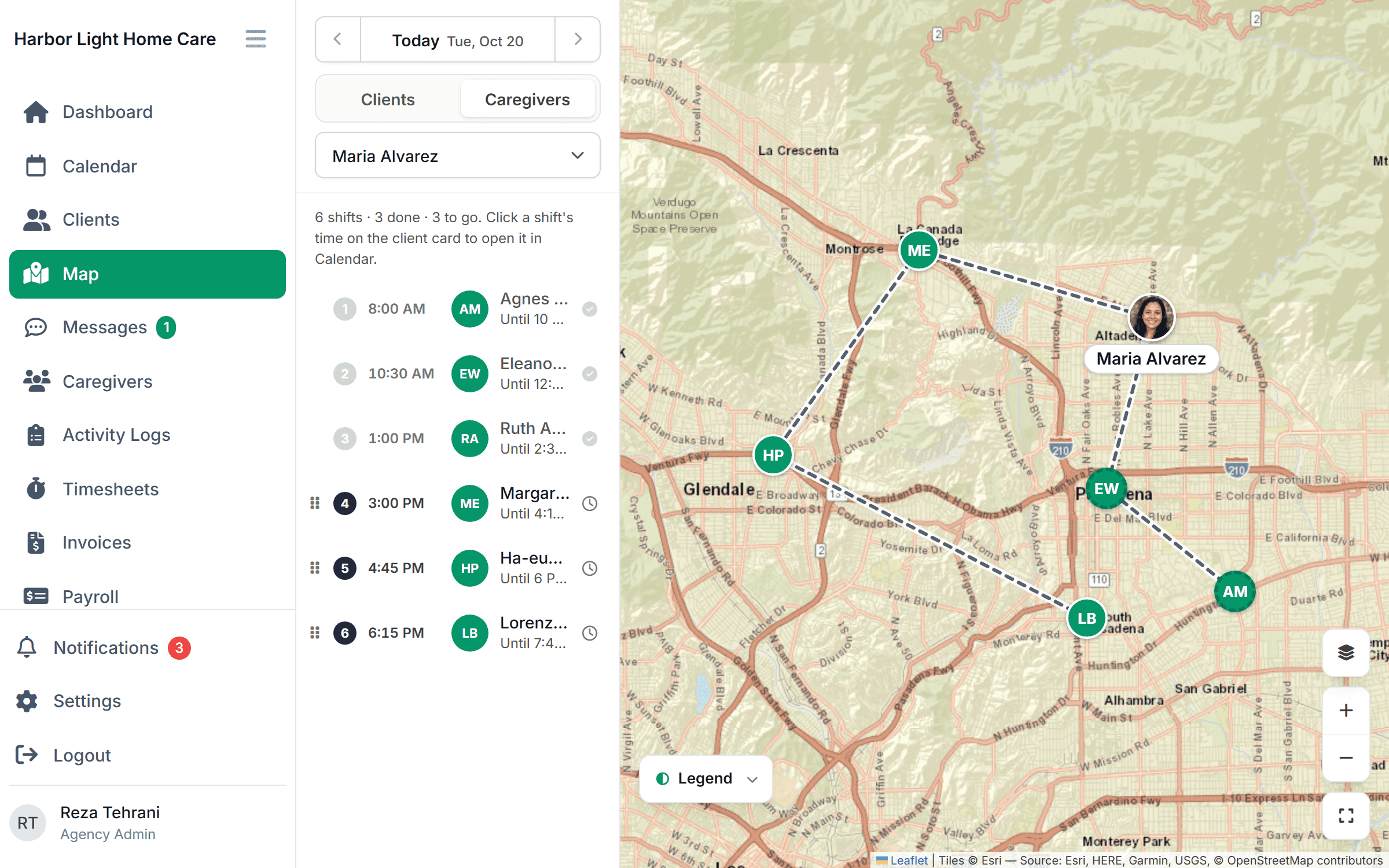
Caregivers describe the visit out loud and the app writes a short summary and fills in the task checklist. Nothing is saved until the caregiver has reviewed every line and signed off. The office gets notes it can search, and alerts when something needs attention.
Free for 30 days, then from $199/month. No per-caregiver surcharges.
How a note gets written
Talk. Review. Sign.
- 1
Talk
The caregiver describes the visit in their own words, right after it ends. A live transcript appears, and words the app isn’t sure about are highlighted.
- 2
Review
A short summary and the task checklist are filled in from what was said. Every line can be edited, and unclear words must be confirmed before moving on.
- 3
Sign off
The caregiver signs to confirm the note is accurate. Only then is it saved. Concerns like pain, falls or refused meds go to the office immediately.
For the office
Hear about a change in condition the same day.
Falls, new pain, refused meals or medications, and anything the caregiver flags are sent to the office as soon as the note is signed. You follow up that afternoon instead of finding out at the next care plan review.
- Alerts for concerns, the moment the note is signed
- Trends in pain, appetite and mobility across visits
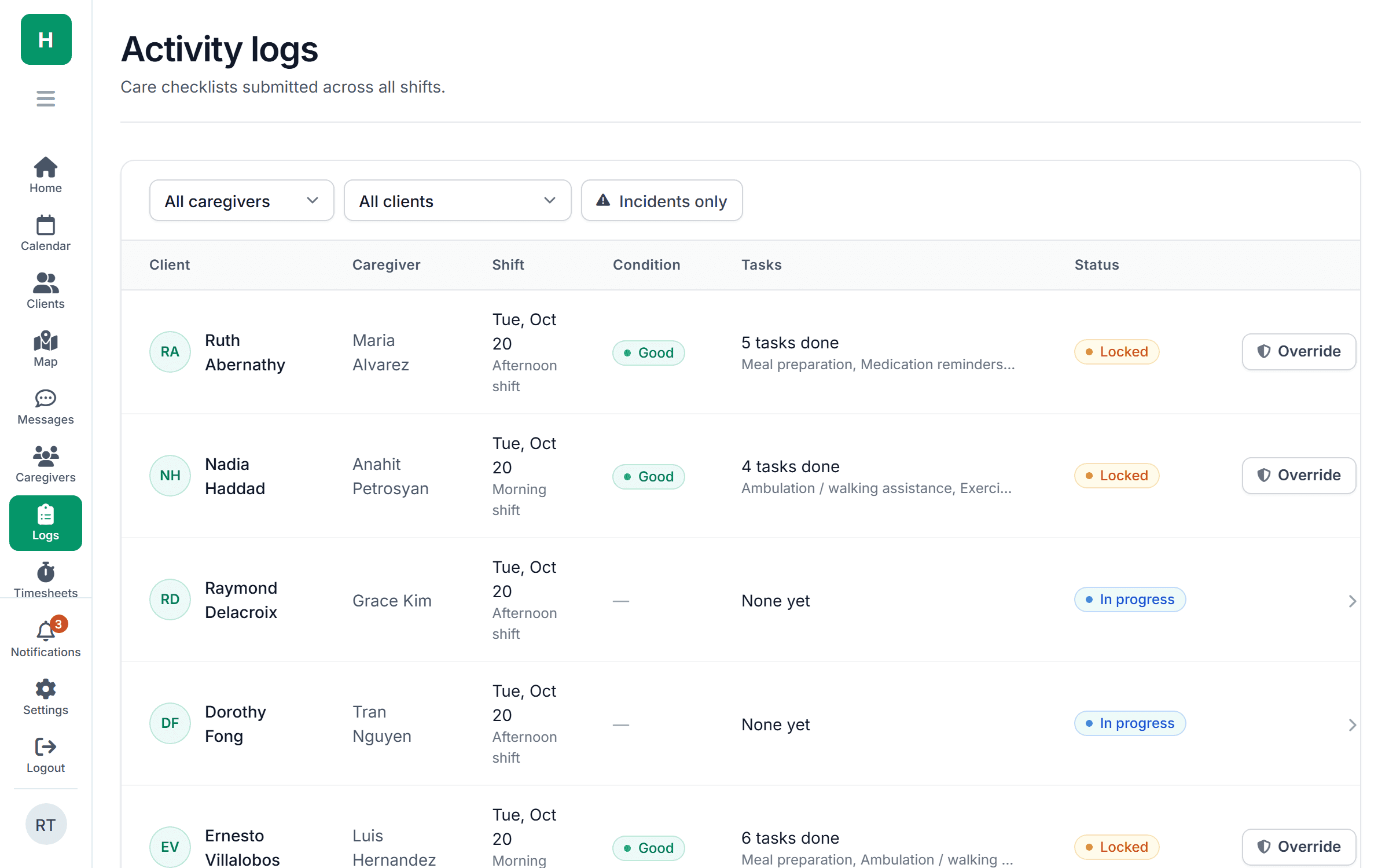
- Every note searchable by client, word or date
Accuracy
The caregiver is the author. The app is the pen.
The summary is written only from what the caregiver said. Names and medications the app isn’t sure about are highlighted and have to be confirmed or corrected. Tasks that weren’t mentioned stay unchecked until the caregiver taps them.
- Nothing saved until reviewed and signed
- Uncertain words flagged, never guessed
- Unmentioned tasks stay unchecked
For families
A plain-language recap you can share.
Each signed note can produce a short family version: what happened at the visit, how the client was doing, anything to watch. Share it from the client record without retyping a word.
- Family recap written from the signed note
- Clinical detail kept for the office record
- Shared from the client record, with a log of who saw it
Part of one tool
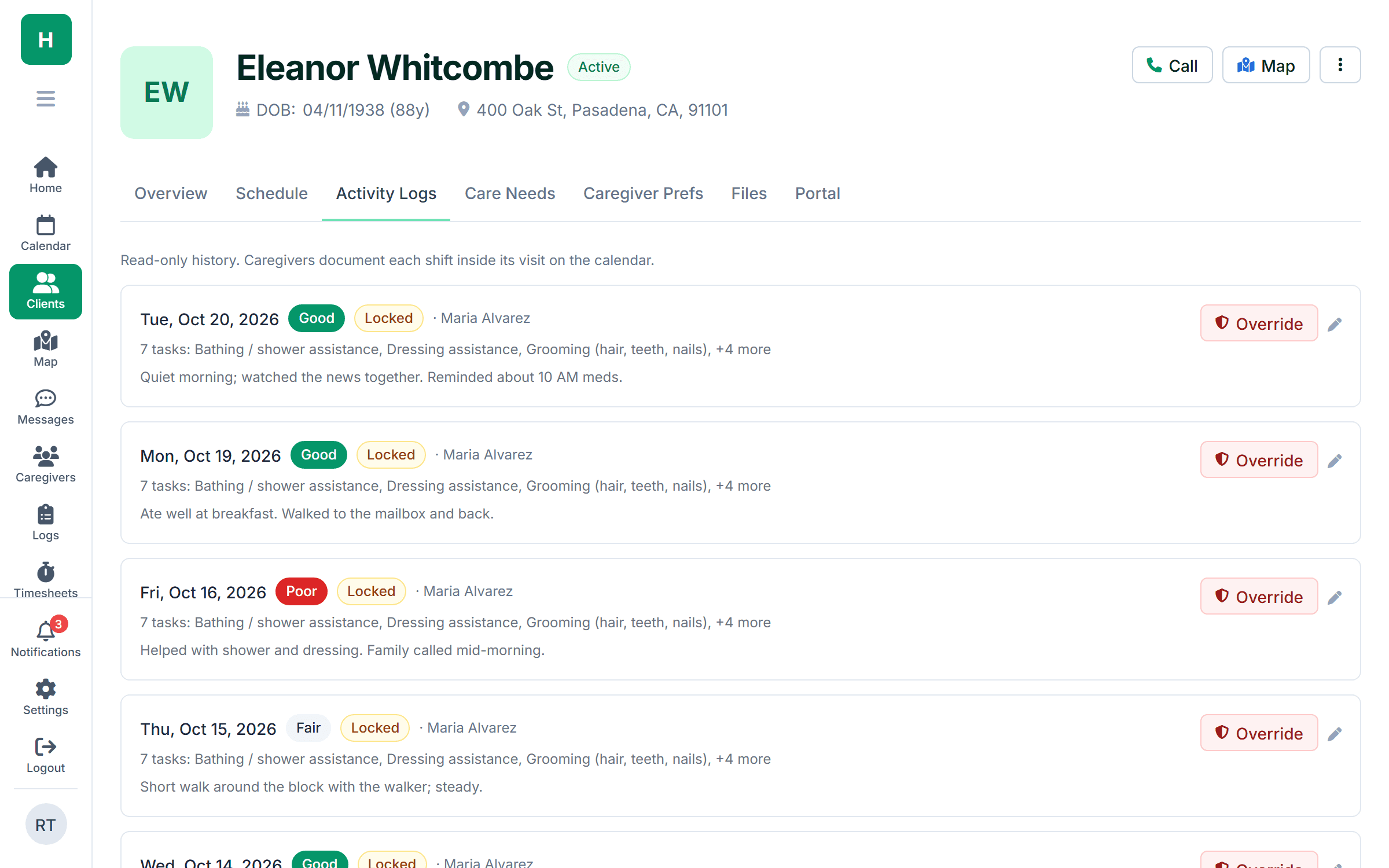
Notes live with the visit they belong to.
Common questions
What agencies ask about AI notes.
Something else on your mind? Ask us and we'll answer the same day.
Yes. Audio is processed to produce the transcript and then discarded. The transcript, summary and tasks are stored with the visit under the same HIPAA controls as every other client record. We sign a BAA with every agency.
The summary is generated only from the caregiver’s words, and anything the app isn’t confident about is highlighted for confirmation. The caregiver reviews and signs every note before it’s saved. Nothing goes into the record unreviewed.
No. Caregivers can type the note instead, or use the task checklist alone. Most switch to talking once they’ve tried it, because it’s faster at the end of a long visit.
English and Spanish today, with the summary written in the agency’s language. Ask us if you need another language.
No. There are no per-note or per-minute charges.
Simple pricing
From $199 /month
Starter: up to 10 caregivers. Growth: $299/month for up to 50.
No per-note or per-minute charges. Caregivers can start talking through visits on day one of the trial.
Get visit notes you’ll actually read.
Talk through a sample visit with us in a 30-minute demo and watch the note write itself.