
How Does a Local Home Care Agency Show Up in Google and AI Search Answers?
AI answers draw on the pages Google already indexes. Keep a complete Business Profile, publish plain answers on cost and start time, and earn honest reviews.
By Caregiver Scheduling Team ·
Google’s AI Overviews, AI Mode and chat assistants pull from the same pages Google already indexes, so there is no separate trick for “AI SEO.” Google says there are no additional requirements and no special markup to appear in AI features. A local agency shows up by keeping a complete Google Business Profile, publishing plain answers to the questions families ask, and earning steady, honest reviews.
What do Google and AI assistants use to pick a local agency?
The same three things local search has always used: your Business Profile, your website, and what other sites say about you. An AI answer about “home care in Dayton” is assembled from indexed pages that state clearly what a business does, where, and for how much. Pages that hedge or bury the facts in brochure language do not get quoted.
| Signal | What to do | Where it shows |
|---|---|---|
| Google Business Profile | Complete every field, answer reviews, post updates | Map pack, AI Overviews |
| Consistent listings | Same name, phone and service area on every directory | Trust in your address and phone |
| Service and city pages | One page per service, one per city or county you serve | Organic results, AI citations |
| Direct answers | Cost, minimum hours, start time, how you vet caregivers | AI answers quote these lines |
| Reviews | Recent, specific, answered | Map pack ranking and AI summaries |
| Local mentions | Senior centers, AAAs, hospitals, local news | Authority and referral traffic |
Start with the Business Profile setup, then the website.
How should a service-area agency set up its Business Profile?
Hide your address and set a service area. Google’s guidelines say a business that visits customers and does not serve them at its address should hide the address and define a service area. The area should not extend much beyond about 2 hours of driving time from your base. An agency with no storefront gets one profile; a second office with its own staff can have its own.
Pick the primary category that matches your license and add the secondary categories that apply. Fill in hours, phone, website, and a description that says what you do and where. Add photos of real staff, not stock.
What should your website actually say?
Answer the questions a family types into a search box or asks an assistant, in the first lines of the page. Google’s own helpful content guidance asks who wrote the page, how it was made, and why it exists. Pages written to help a visitor rank; pages written to catch a keyword do not.
The lines that get quoted are the specific ones:
- “We provide personal care and companion care in [city] from $[rate] per hour, with a 3-hour minimum.”
- “Most clients start within 48 hours of the first call.”
- “Every caregiver passes a state background check, a TB screen and [hours] of orientation.”
- “Families see each visit’s check-in and check-out time.”
Publish your rate range. Hiding price keeps you out of answers to “how much does home care cost in [city].” See how much to charge and hourly rates by state.
Add LocalBusiness structured data to the home page. Google’s LocalBusiness doc requires name and address and recommends telephone, opening hours and price range. The markup must match the visible text. Skip self-rated review markup; Google says review and rating properties are for sites that review other businesses.
How do you get reviews without breaking the rules?
Ask every family at a natural moment, make it easy, and offer nothing in return. Google’s review policy removes reviews posted for any incentive and bars selectively asking only happy clients. The FTC’s Rule on the Use of Consumer Reviews and Testimonials makes it a violation to offer compensation or incentives conditioned on a review’s sentiment, to suppress negative reviews with groundless legal threats, or to post reviews from owners or staff without disclosing the connection. Knowing violations carry civil penalties of more than $50,000 per violation, adjusted for inflation each year.
Health privacy adds one more rule. Using a client’s name, photo or story in marketing is a use of protected health information, and 45 CFR 164.508 requires a signed authorization first. A family posting its own Google review is their choice. Reply with thanks, and never confirm or add care details in your response. See home care agency reviews and HIPAA for non-medical home care.
How do you know if it is working?
Watch three numbers monthly: calls and direction requests in your Business Profile, clicks and the queries that produced them in Google Search Console, and the answer to “how did you hear about us” on every inquiry call. If AI assistants are sending families, callers will say so. Give those pages more detail.
How Caregiver Scheduling handles this
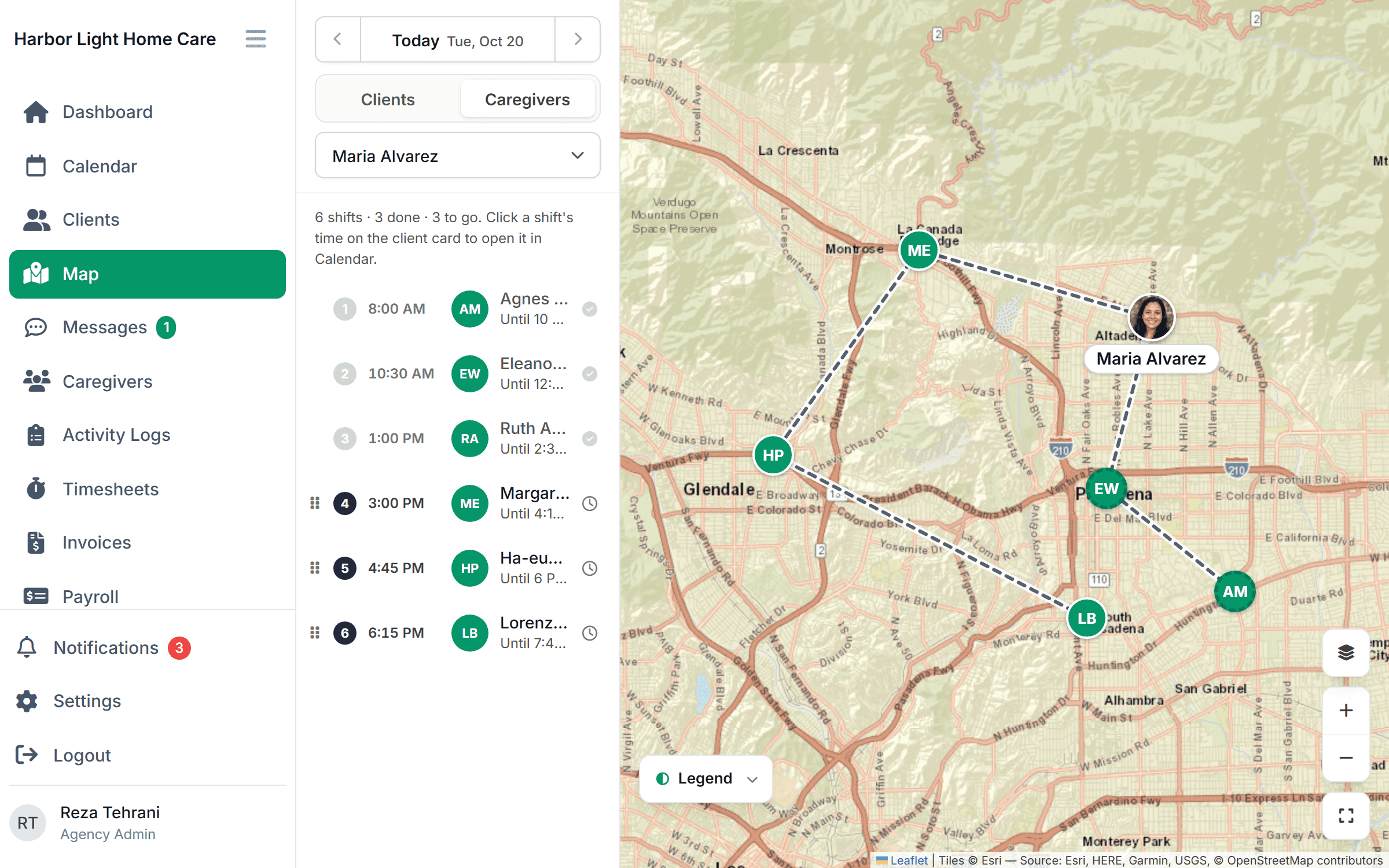
The claims that win searches, “we start within 48 hours” and “families can see every visit,” have to be true. Open shifts on a map and a caregiver app make a fast start realistic, and geofenced check-ins give you verified visit records to stand behind. $199/month for up to 10 caregivers or $299/month for up to 50, free for 30 days.
FAQ
Do I need special “AI SEO” or an llms.txt file? No. Google says no new files or markup are required. Indexed, clear, people-first pages are what AI features cite.
Should I show my home office address on Google? No. Service-area businesses should hide the address and set a service area.
Can I give a gift card for a Google review? No. Google removes incentivized reviews, and the FTC bans incentives tied to a positive review.
How many pages do I need? One per service and one per main city or county you serve, each with price, minimum and start time stated plainly.
This article is general information, not legal advice. Check the FTC rule and your state’s privacy and advertising rules.