
Google Business Profile for Home Care Agencies
Set up your agency's Google Business Profile with a service area instead of an address, the most specific category, real photos and a review process that follows Google and FTC rules.
By Caregiver Scheduling Team ·
A complete Google Business Profile is the cheapest way for families to find your agency in Google Search and Maps. Use your legal business name with no added keywords, set a service area instead of showing an office address, pick the most specific category Google offers, list your services, add real photos, and ask every satisfied family for a review. Then keep the phone number and hours accurate.
Should a home care agency show an address or a service area?
A service area, unless families actually come to your office. Google’s guidelines say a service-area business, one that visits customers rather than serving them at its location, should hide its business address and show the area it serves instead. You define the area by city, county or postal code, not by a radius. Google allows up to 20 service areas and advises that the area should not extend beyond about two hours of driving time from your base.
List only the places where you can actually staff a visit.
Which category should you choose?
The most specific one that describes what you do, as your primary category, and only a few additional ones. Google’s advice is to select a primary category that best describes your business and not to add a category for every service. For a non-medical agency that usually means a home care or home help category rather than a broad health category, and a home health category only if you are a licensed home health agency. Do not stack categories for services you do not provide.
What name, hours and phone number should you use?
Your real name, the hours someone answers, and a number that rings a person. Google requires the profile name to reflect the business’s real-world name with no taglines, locations or keywords added. “Sunrise Home Care” is fine; “Sunrise Home Care | Best Caregivers in Tulsa” risks a suspension.
For hours, list when a human answers the phone, and use the special hours feature for holidays. If you have 24-hour on-call coverage, say so in the description rather than listing 24-hour business hours that lead to voicemail.
How do you get reviews without breaking the rules?
Ask every family directly, with a link, and never pay for a review. Google lets businesses ask customers to visit a link or scan a QR code, but it treats offering free or discounted services in exchange for reviews as prohibited content.
Federal law now says the same thing. The FTC’s Rule on the Use of Consumer Reviews and Testimonials (16 CFR Part 465) took effect October 21, 2024. It bans buying positive or negative reviews, bars fake reviews including AI-generated ones, requires employees and owners who review the business to disclose their connection, and prohibits suppressing reviews with unfounded legal threats. Knowing violations can bring civil penalties.
| Allowed | Not allowed |
|---|---|
| Asking a family for a review after a good month | Offering a discount or gift card for a review |
| Sending a direct review link or QR code | Asking only happy families and steering unhappy ones elsewhere |
| Replying to every review | Threatening legal action to get a review removed |
| Asking staff to leave reviews with their role disclosed | Staff or owner reviews that hide the connection |
| Asking Google to remove reviews that violate its policies | Posting reviews written by the agency |
Build the ask into the 30-day check-in call. See how to get more home care agency reviews.
How should you reply to reviews when privacy rules apply?
Briefly, warmly, and without confirming that the reviewer or their relative is a client. Google itself says not to share a reviewer’s private information in a reply. For agencies that are HIPAA covered entities, confirming a client relationship or discussing their care in a public reply is a disclosure of protected health information. Federal regulators have settled cases with providers that revealed patient details while answering online reviews.
A safe reply to a negative review names no one and moves the conversation offline: “We take every concern seriously and would like to understand what happened. Please call our director at the office number.” See HIPAA for non-medical home care.
What should you post, and how often?
A short update every few weeks, and photos a few times a year. Posts about hiring, community events, caregiver recognition and seasonal safety tips keep the profile active. Photos of your real team, with written permission, outperform stock images. Answer the Q&A section yourself. Keep the services list and description current. For the wider plan, see home care marketing ideas and home care agency SEO.
How Caregiver Scheduling handles this
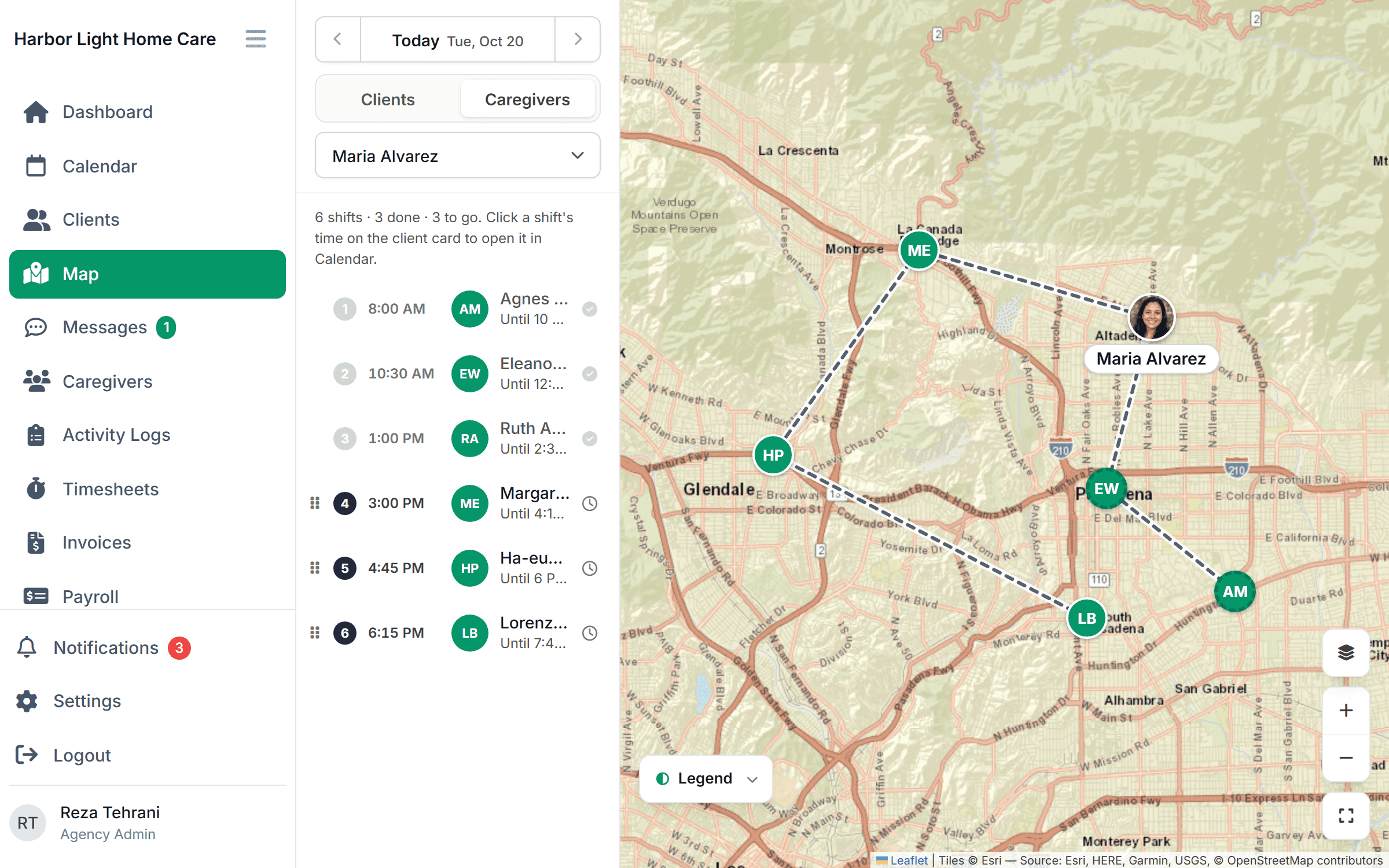
Families who find you on Google expect a fast start. Enter the client’s recurring schedule once and the calendar fills from it, and the map shows which caregivers are nearest the new client so the first visit can be booked while the family is still on the phone. $199/month for up to 10 caregivers or $299/month for up to 50, free for 30 days.
FAQ
Should I show my office address? Only if clients visit your office. Otherwise hide the address and set a service area, which is what Google’s guidelines ask service businesses to do.
Can I give families a gift card for leaving a review? No. Google prohibits incentives for reviews, and the FTC rule bans paying for reviews that express a particular sentiment.
How do I respond to a bad review? Briefly, professionally, without client details, and with an invitation to talk offline. Never confirm the person is a client.
How many categories should I add? One accurate primary category and a few additional ones that describe real services. Do not add a category for every service you list.
This article is general information, not legal advice. Check the current Google policies and your state’s privacy rules.