
How Do You Switch From Paper Timesheets to EVV?
Four steps over two to four weeks: load verified addresses and app logins, train each caregiver, run one parallel week, then run payroll from check-ins.
By Caregiver Scheduling Team ·
Four steps, over two to four weeks. Load every client with a verified address and every caregiver with a working app login. Train each caregiver for 15 to 20 minutes. Run one week of paper and electronic check-ins side by side and fix exceptions daily. Then retire paper and run payroll from verified check-ins. The daily exception review is the habit that makes the switch stick.
Why switch at all?
Because paper timesheets fail two tests at once: the Medicaid EVV mandate and federal wage recordkeeping. The 21st Century Cures Act required states to use electronic visit verification for Medicaid personal care services by January 1, 2020 (Medicaid.gov). Home health services followed on January 1, 2023. If you bill Medicaid, paper is not an option.
For private pay, the issue is accuracy. The FLSA requires a record of hours worked each workday and total hours each workweek (29 CFR 516.2). Rounding is allowed only when it averages out and does not shortchange employees over time (29 CFR 785.48). Paper timesheets filled in at the end of the week, rounded to the quarter hour from memory, do not meet that standard. See does EVV apply to private pay and what is EVV.
What has to be set up before go-live?
Addresses first. Most first-week exceptions trace back to a pin on the wrong house or a geofence too tight for an apartment complex.
| Setup item | Why it matters |
|---|---|
| Every client address verified and pinned on a map | Geofenced check-in depends on the pin, not the street address |
| Client schedules and care tasks entered | Caregivers see what to do |
| Caregivers invited to the app, logins tested | A caregiver who cannot log in on Monday morning goes back to paper |
| Pay rates and the workweek set | The first payroll comes out right |
| Medicaid clients: IDs, service codes, authorizations entered | Verified units can be checked against the cap. See authorization tracking |
| Exception reasons configured to match your state’s codes | Missed check-ins get a valid reason. See EVV exception codes |
Check your state’s model and aggregator requirements in the EVV state directory before you set codes.
How do you train caregivers?
Fifteen to twenty minutes each, hands on, on their own phone.
- Install the app and allow precise location. Explain that location is checked at check-in and check-out, not all day.
- Practice a check-in and check-out at the office, then look at the result together.
- Show what to do when GPS fails: check in anyway, pick the exception reason, and call the office. See GPS check-in not working.
- Complete a task list and dictate a short note.
- Give them one phone number for problems during the first two weeks.
For caregivers without a smartphone, ask your state what it allows. See EVV without a smartphone.
Why run a parallel week?
Because it finds problems while paper is still the record of pay. For one week caregivers do both, and each morning the office compares yesterday’s two records and fixes the gaps.
| What you find | Usual cause | Fix |
|---|---|---|
| Check-in outside the geofence | Pin on the wrong building, or radius too small | Move the pin; widen the radius for apartments and rural lots |
| Missing check-out | Caregiver left without tapping out | Coach; set a reminder notification |
| Visit 20 minutes longer than paper | Paper was rounded; the app recorded real time | Pay the real time; reset client expectations |
| No check-in at all | Login problem or app not installed | Fix the same day by phone |
Skip this week and your first payroll becomes an argument over missing visits. Run it and exceptions usually drop to a handful a day.
What changes at go-live?
Paper stops, and the office gains one daily task. Payroll runs from electronic timesheets built from verified check-ins. The daily exception review replaces the weekly timesheet chase. Ten minutes each morning clears yesterday’s missed check-outs and out-of-range check-ins.
Keep the last paper timesheets with your payroll records; federal rules require time records for at least two years. EVV records fall under the same payroll and Medicaid retention periods. See home care record retention.
How do you get caregivers on board?
Tell them what they get: no paper to drop off, pay for the hours they actually worked, directions to each client, fewer office calls. Address the tracking worry directly. Location is recorded at check-in and check-out to prove the visit happened, which protects the caregiver in a dispute.
Pick two respected caregivers to go first and let them answer the rest. See caregiver GPS clock-in app for common questions.
How Caregiver Scheduling handles this
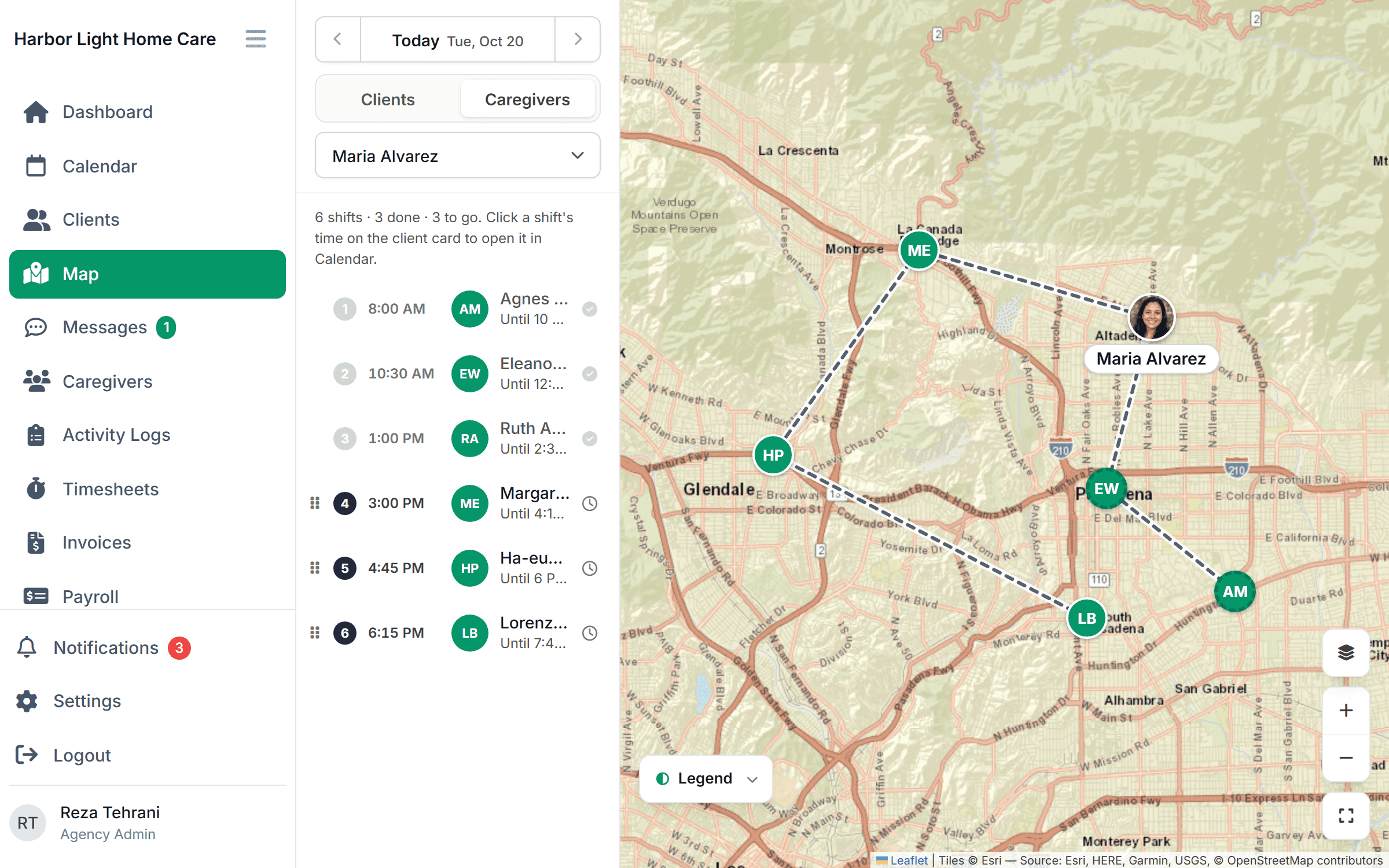
Caregivers get visits, directions, task lists and one-tap geofenced check-in in the app. When GPS can’t confirm a location, the caregiver picks an override reason and the office sees it on the visit, and check-ins made without signal are sent when it returns, marked delayed rather than missing. Timesheets built automatically from verified check-ins, with export to payroll and QuickBooks, are coming soon; until then, payroll runs from the verified visit times. $199/month for up to 10 caregivers or $299/month for up to 50, free for 30 days.
FAQ
How long does switching from paper timesheets to EVV take? Two to four weeks for a small agency: one week of setup, training during the second, a parallel week, then go-live.
What if a caregiver does not have a smartphone? Ask your state what it allows. Telephony from the client’s phone or a fixed device in the home is often accepted.
Should we still pay from paper during the parallel week? Yes. Paper stays the record of pay until you have compared both for a full week and fixed the gaps.
What is the most common first-week problem? Client pins in the wrong place. Verify every address before training starts.
This article is general information, not legal advice. Check your state’s EVV and wage recordkeeping rules.