
Best Home Care Scheduling Software for Small Agencies
How to pick scheduling software for an agency under 25 caregivers: the must-haves, EVV and payroll record rules, pricing traps and vendor questions.
By Caregiver Scheduling Team ·
The best home care scheduling software for a small agency is the one that handles your daily work in one place, which usually means scheduling, a caregiver app with GPS check-in, timesheets, payroll export and invoicing, at a price that makes sense for under 25 caregivers. Large platforms built for 200-caregiver agencies often come with more setup, more training and higher prices than a small agency needs.
Disclosure: we make Caregiver Scheduling. We’ve tried to make this guide useful whichever tool you choose.
What does a small agency actually need?
Nine things. Most tools claim all of them; the difference is how many clicks each takes when a caregiver calls out at 6 a.m.
| Must have | Why |
|---|---|
| Recurring schedules and easy changes | Most of your week repeats; call-outs need fast fixes |
| Caregiver mobile app | Schedule, directions, check-in, open shift pickup |
| GPS-verified clock-in and clock-out | Payroll accuracy, billing disputes, EVV for Medicaid |
| Weekly overtime visibility | Overtime is a top margin leak |
| Timesheets from check-ins | No retyping hours |
| Payroll export | QuickBooks or your payroll provider |
| Private-pay invoicing | Bill from the same visits |
| Credential tracking | Survey-ready caregiver files |
| Fair pricing | Flat or per-caregiver pricing that fits your size |
Nice to have: route optimization if caregivers do several visits a day, authorization tracking for Medicaid, IHSS or VA clients, and AI visit notes if documentation is a struggle.
Does the software need to handle EVV?
Yes if you bill Medicaid for personal care, unless you use your state’s own EVV system, and no if you are private pay only. Federal law required states to use electronic visit verification for Medicaid personal care services by January 1, 2020 and for home health services by January 1, 2023 (Medicaid.gov).
The statute names six things every visit record must verify: the type of service, the person receiving it, the date, the location, the person providing it, and the start and end times (42 U.S.C. 1396b(l)). Any software you consider should capture all six at the point of care. Your state decides how that record reaches Medicaid, through one mandated system or an aggregator that accepts any vendor. See what EVV is, the required data elements and your state’s model in the EVV state directory.
Private-pay agencies still benefit from GPS check-in. It settles late-arrival disputes and ties every invoice to a verified visit.
What payroll records does it need to keep?
The ones the Fair Labor Standards Act requires. For every non-exempt employee you must keep hours worked each workday, total hours each workweek, the regular hourly rate in any overtime week, straight-time earnings, overtime premium pay and total wages per pay period (29 CFR 516.2). Payroll records must be kept at least three years (29 CFR 516.5).
Software that builds timesheets from verified check-ins produces these records as a by-product. A schedule alone is not a record of hours worked. Check that it totals hours across all of a caregiver’s clients in one workweek, since that total drives overtime. See home care overtime rules and record retention.
How should you compare prices?
By total monthly cost at your size, not the headline number. Each common pricing model hides cost somewhere different.
| Pricing model | Where the cost hides |
|---|---|
| Flat monthly fee | Caregiver or client caps; check what happens when you grow |
| Per caregiver per month | Inactive and part-time caregivers often count |
| Per client or per visit | Grows with revenue; EVV and payroll export are often add-ons |
Get a written quote covering setup, training, EVV, payroll export, support and contract term. See home care software pricing.
What should you ask every vendor?
Eight questions, answered in writing before you sign.
- What is the total monthly cost at my size, including setup, training, EVV and payroll export?
- Is there a contract term or cancellation fee?
- Can I try it free with my own clients and caregivers?
- How does it handle EVV in my state?
- Does overtime calculate across all of a caregiver’s clients?
- How do hours get to my payroll system?
- What does support look like, and is it included?
- Will you sign a BAA?
More in questions to ask home care software vendors.
How do you run a fair trial?
Shortlist two or three tools and run one real week of your schedule in each, with two caregivers using the app. Include a call-out and an open shift. Pick the one your scheduler and caregivers find easiest, as long as it covers every must-have. If you are leaving another system, see switching home care software.
How Caregiver Scheduling handles this
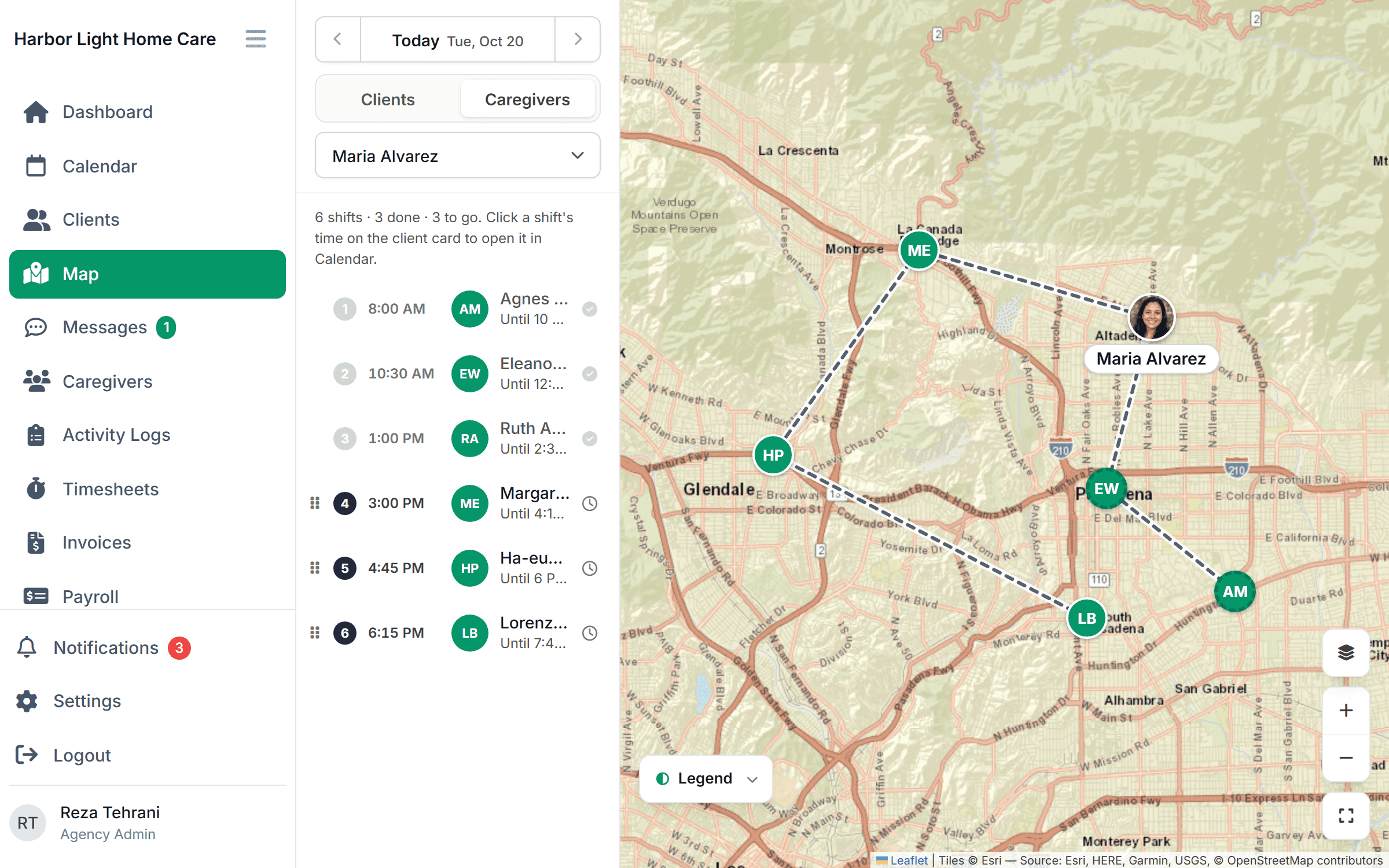
Caregiver Scheduling is built for small and mid-size non-medical agencies. It includes drag-and-drop scheduling, recurring visits, open shifts on a map, route optimization, a caregiver app with geofenced GPS check-in, caregiver matching, authorization caps, credential tracking, messaging and AI visit notes. Matching, authorization caps and credential tracking start on Growth; agencies above 50 caregivers get a custom plan. Timesheets, payroll and QuickBooks export and private-pay invoicing are coming soon. $199/month for up to 10 caregivers or $299/month for up to 50, free for 30 days.
FAQ
How much does home care scheduling software cost? Pricing ranges from flat monthly plans to per-caregiver or per-client fees. Ask for total cost at your size, with EVV and payroll export included.
Do I need EVV in my software? If you bill Medicaid personal care, yes, either in the software or through your state’s system. Private-pay agencies benefit from GPS clock-in anyway.
Can a spreadsheet do this? For a handful of clients, yes. It cannot verify visits, and it only counts as an hours record if someone enters the hours actually worked each day.
Can I switch software later? Yes. Export your data first and run both systems for one payroll cycle.
This article is general information, not legal advice. Check your state’s EVV and wage rules.