
Scheduling Caregivers in Spreadsheets: When It Stops Working
Spreadsheets work up to about 5-10 caregivers. The signs you've outgrown one, the FLSA records it must produce, why it can't do EVV, and what to look for next.
By Caregiver Scheduling Team ·
A spreadsheet schedule works while one person can hold the whole week in their head, usually up to about 5 to 10 caregivers. Past that it starts costing money: overtime nobody saw coming, missed visits after call-outs, travel time you can’t measure, and hours typed by hand into payroll and invoices. If you rebuild the sheet after every change, or you have taken on a Medicaid client who needs EVV, you have outgrown it.
What does a spreadsheet do well?
It is free, familiar, easy to print and fine for a stable schedule. Start with our weekly schedule template and move on when the signs below show up.
What are the signs you’ve outgrown a spreadsheet?
Two or more of these means the sheet costs more than software.
- Call-outs mean phone trees. You call caregivers one at a time to fill a visit.
- Overtime is a surprise on payroll day.
- Caregivers call to ask where they are going next.
- Hours are typed twice, once into payroll and again into invoices.
- You can’t prove a visit happened when a family disputes a bill.
- Credentials expire unnoticed.
- Only one person knows how the sheet works.
What records does a spreadsheet still have to produce?
The same ones any employer must keep. The FLSA requires a record of each caregiver’s hours worked each workday and total hours each workweek, the regular rate in any overtime week, straight-time earnings, overtime premium pay, and the pay period for each payment (29 CFR 516.2). Payroll records are kept three years and the time records behind them two years (29 CFR 516.5 and 516.6).
| Record required | How a spreadsheet handles it |
|---|---|
| Hours worked each day | Only if someone types the real start and end time, not the scheduled one |
| Total hours each workweek, including travel between clients | Needs a formula per caregiver that someone maintains |
| Regular rate in overtime weeks | Manual, and wrong if travel or bonus pay is left out |
| Overtime premium pay | Manual |
| Time records kept 2 years, payroll 3 years | Dozens of weekly files, often with no version history |
Scheduled hours are not hours worked. If a visit ran long and nobody updated the cell, the payroll record is wrong.
Why does overtime sneak up in a spreadsheet?
Because the law totals all hours in the workweek across every client, and the sheet shows one client at a time. Under 29 CFR 778.103, the employer must total every hour the employee worked that week, even on unrelated assignments, and pay overtime past 40. Each workweek stands alone, so a light week cannot offset a heavy one (29 CFR 778.104). Three clients at 15 hours each is 45 hours before travel. See home care overtime rules and paying for travel time.
Can a spreadsheet handle EVV?
No. Federal law defines an electronic visit verification system as one that electronically verifies six things for each Medicaid personal care visit: the type of service, the individual receiving it, the date, the location, the individual providing it, and the time it begins and ends (42 U.S.C. 1396b(l)(5)). A typed cell is not electronic verification of location or time. See EVV required data elements and the EVV state directory.
What is a spreadsheet costing you?
| Hidden cost | How it shows up | Illustrative example |
|---|---|---|
| Overtime | Hours over 40 because nobody totaled travel | 10 caregivers, 2 unplanned OT hours each per week at a $17 wage: about $170 a week in premium alone, about $8,800 a year |
| Missed visits | Lost clients after a bad call-out | One client at 20 hours a week and a $32 bill rate: about $33,000 a year in revenue |
| Unbilled time | Visits that ran long and never reached the invoice | 15 minutes a day across 10 caregivers is about 12 billable hours a week |
| Admin time | Hours a week rebuilding and re-sending the schedule | 5 hours a week at a coordinator’s wage |
The examples are illustrative. The pattern holds: one lost client pays for years of software.
What should you look for in scheduling software?
- Recurring visits and drag-and-drop changes
- A caregiver app with check-in and directions
- GPS-verified clock-in and clock-out that captures the six EVV elements
- Weekly overtime visible while you schedule
- Timesheets built from check-ins, exported to payroll
- Invoicing from the same visits
See best home care scheduling software for small agencies.
How do you switch without chaos?
Enter clients and caregivers, set up recurring schedules, run both systems for one week, then switch. Train caregivers on check-in first, and keep the old sheets for the retention periods above. See switching from paper timesheets to EVV.
How Caregiver Scheduling handles this
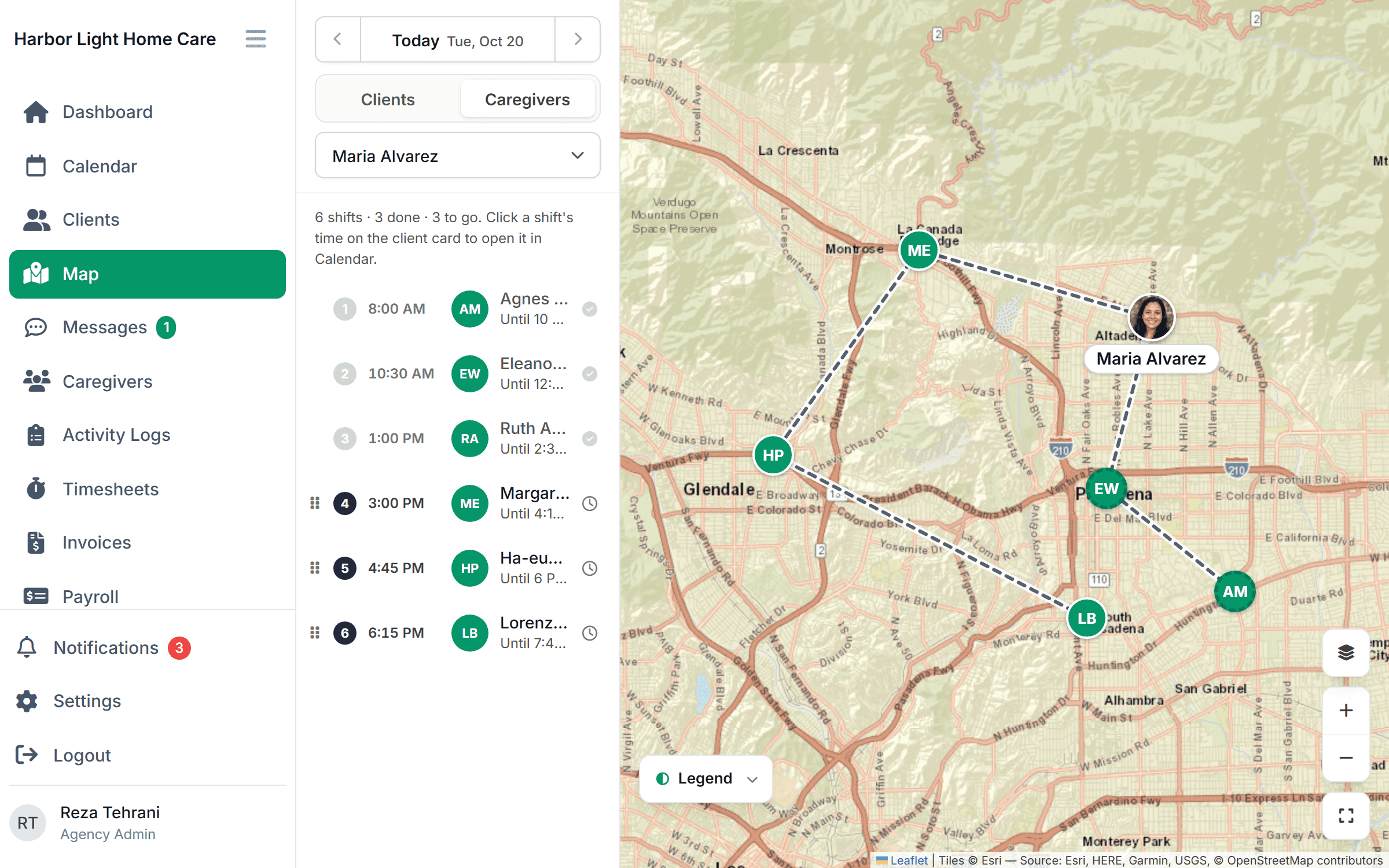
Caregiver Scheduling replaces the sheet with a drag-and-drop schedule that blocks double-booking, and an app caregivers use to see their day and check in with GPS. Timesheets built from verified check-ins, QuickBooks export and private-pay invoices from the same visits are coming soon. $199/month for up to 10 caregivers or $299/month for up to 50, free for 30 days.
FAQ
Can I schedule caregivers in Excel or Google Sheets? Yes, for a small, stable schedule. It gets hard once call-outs, overtime and EVV matter.
When should a home care agency switch to software? Usually around 5 to 10 caregivers, or as soon as you take a Medicaid client who needs EVV.
Does a spreadsheet meet FLSA recordkeeping rules? It can, if it records actual daily hours and weekly totals and you keep it for three years. Scheduled hours alone do not.
Is there free caregiver scheduling software? Some tools have free tiers. See free vs. paid caregiver scheduling apps.
This article is general information, not legal advice. Check your state’s wage and EVV rules.